Scenario Overview - On-Prem Development, Training, and Assets
This scenario covers development environments, training workloads, and the durable storage of models, images, datasets, and outputs.
Applicable Roles
- End User
- Operator maintaining images, storage, and compute resources
Goals
- Run development and training with authorized compute.
- Store data and outputs in persistent storage.
- Feed trained artifacts into later model deployment.
Scenario Flow
Main path: Prepare storage and images → Create a development environment → Run training or batch work → Preserve and reuse assets
| Stage | Key Result |
|---|---|
| 1. Prepare dependencies | Data, output paths, images, compute, and quota are available |
| 2. Develop and debug | The online IDE can access code, data, and a persistent workspace |
| 3. Run workloads | Runtime instances execute normally and emit logs and monitoring data |
| 4. Preserve assets | Models, images, data, and results are stored in reusable locations |
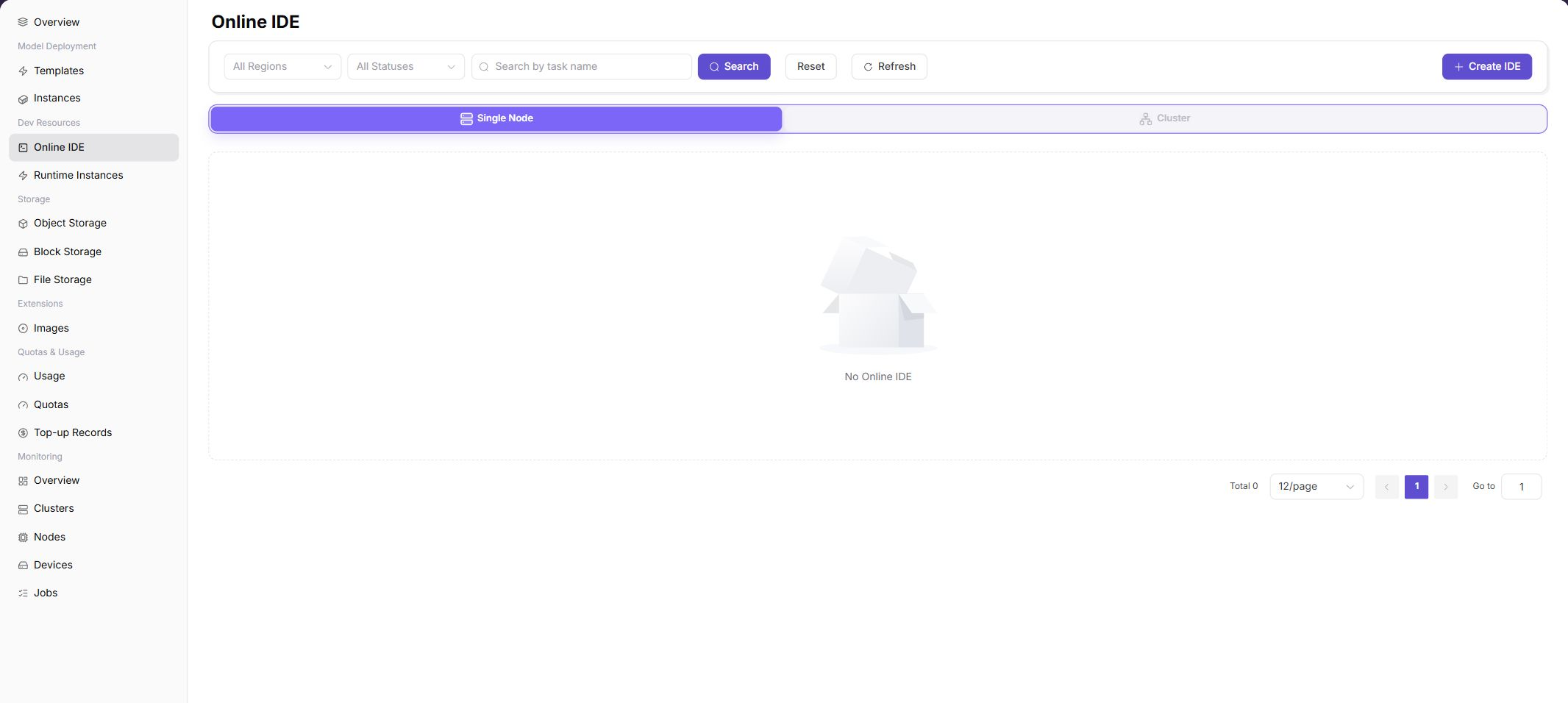
The following screenshot corresponds to Stage 2 and confirms that the development environment is available for online IDE debugging.
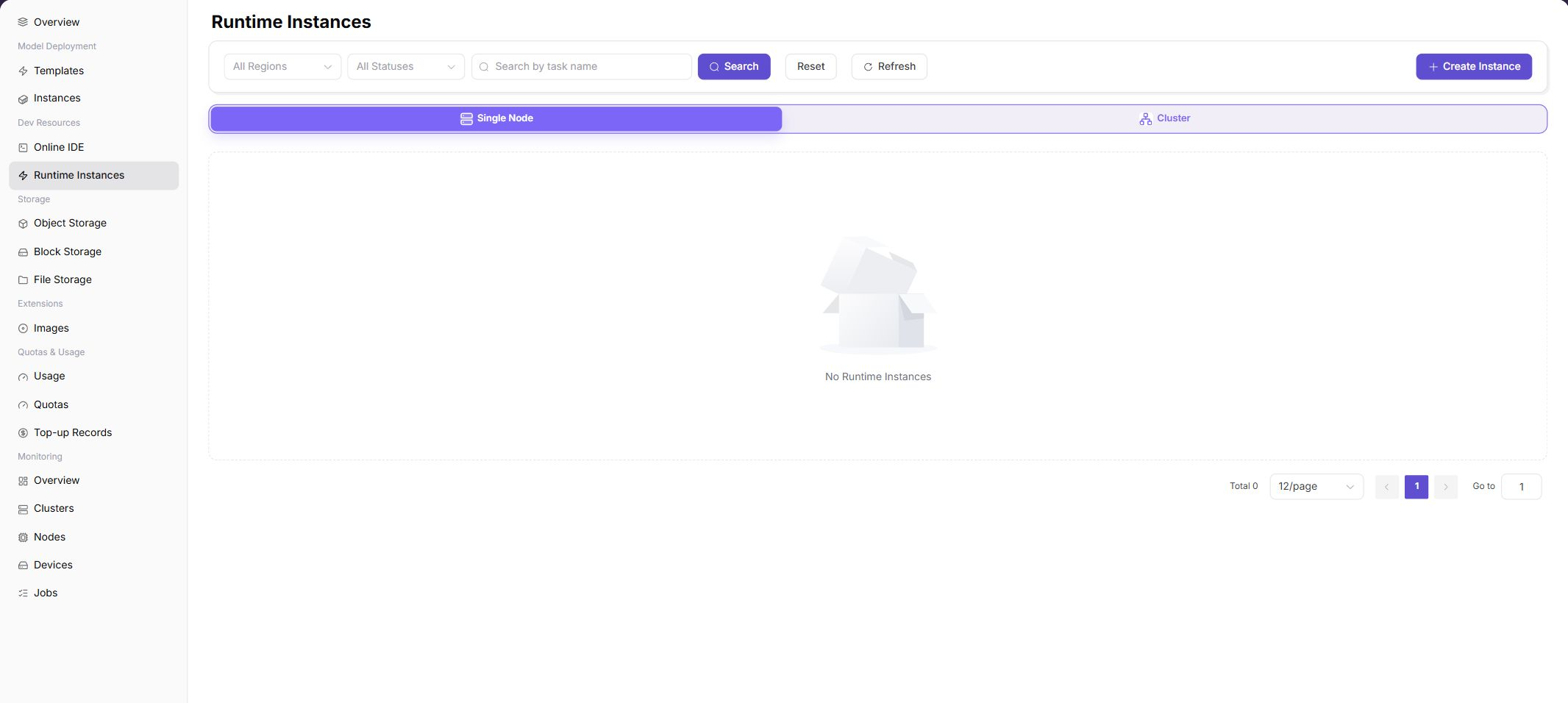
The following screenshot corresponds to Stage 3 and confirms the training workload instance, runtime status, and task entry.
Before You Start
- Prepare an image, resource specification, and tenant quota.
- Prepare code, datasets, and persistent storage paths.
Recommended Reading Order
- Create a development environment
- Mount code, data, and storage
- Submit a training workload
- Save models, logs, and outputs
Document Index
| Document | Description |
|---|---|
| Development and Training Workflow | Development, training, storage, asset steps, and screenshots |
Completion Checklist
Purpose: These are the scenario exit criteria. Use them to decide whether the outcome is observable and reviewable and whether you can continue to the next scenario. They do not repeat the procedure; if any item fails, return to the relevant feature guide and follow its troubleshooting section.
| Check | Pass Criteria |
|---|---|
| 1 | The online IDE or training instance reaches Running without repeated startup errors. |
| 2 | Data, models, and outputs are stored persistently and can be read by a later workload. |
| 3 | Usage and monitoring records are traceable and idle instances are stopped or released. |