Use Quick Access and Access Overview
Target Outcome
Understand the on-cloud access sequence before configuring individual items and confirm the overall state of cloud platforms, accounts, resource pools, and authorization from one view.
Applicable Roles
- Platform Operator
Before You Start
- Identify the cloud platform, accounts, regions, business types, and tenants to onboard.
- Prepare minimum-privilege account materials and network connectivity.
Steps
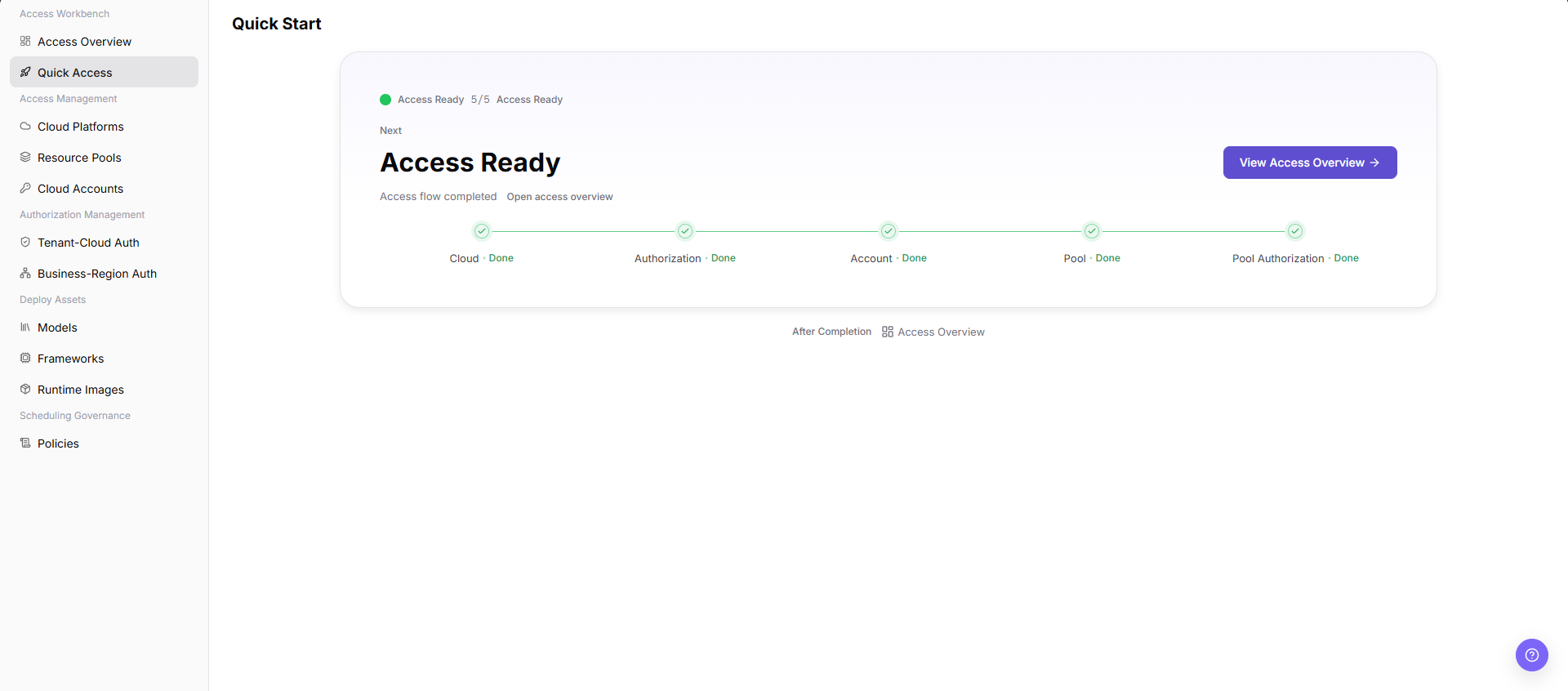
- Open Quick Access and review the dependency order for platforms, accounts, resource pools, and authorization.
- Open Access Overview and review onboarded platforms, valid accounts, available resource pools, and authorization exceptions.
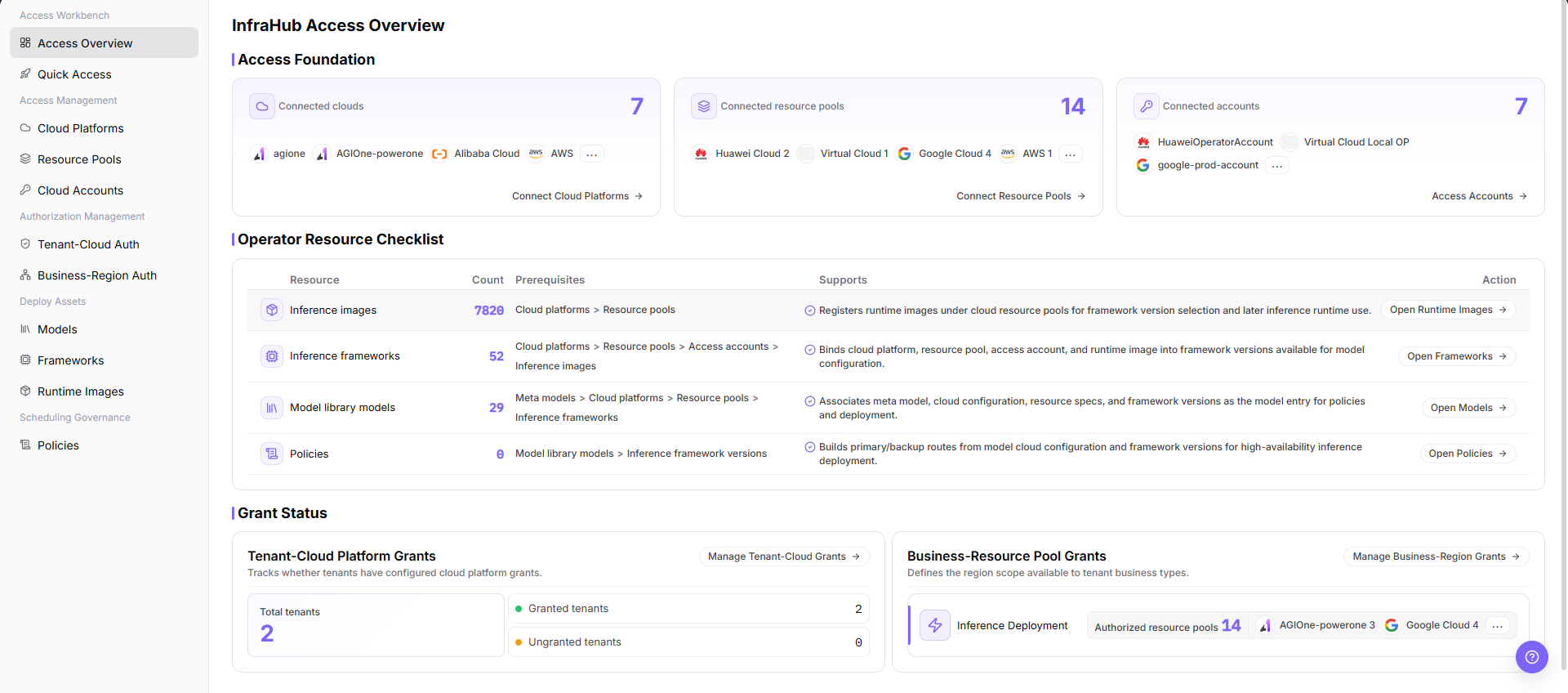
- Follow missing-item entries to Cloud Platforms, Cloud Accounts, Resource Pools, Business-Region Authorization, or Tenant-Cloud Authorization.
- After configuration, refresh Access Overview and confirm that exception counts and target-object states update.
Completion Checklist
Purpose: These checks confirm that on-cloud access dependencies form a complete path. Individual records may exist while the overall path remains unusable.
| Check | Pass Criteria |
|---|---|
| Onboarding order | Dependencies among platform, account, resource pool, and authorization are clear. |
| Global state | The target platform, account, and resource pool are visible in the overview. |
| Authorization loop | Business-region and tenant-cloud authorization have no unexplained gap. |
| Next-step entry | Each missing item opens the corresponding configuration task. |
Troubleshooting
| Symptom | Check First |
|---|---|
| Account or resource pool is abnormal in the overview | Account validation, network, region enablement, and synchronization state |
| Individual page is healthy but overview remains abnormal | Refresh time, object association, and authorization chain |
| User still cannot see cloud resources | Business-region authorization, tenant-cloud authorization, account role, and a fresh session |