Billing-Cycle Reconciliation and Settlement
Use this task to complete an operator-side billing-cycle review, exception resolution, and settlement confirmation.
Applicable Roles
- Platform Operators, billing operators, and financial reconciliation staff
Before You Start
- Confirm the target billing cycle, tenant, customer, and business line.
- Confirm that your account can view financial accounts, reconciliation, and settlement statements.
- Assess the impact before generating statements, running compensation, rebuilding data, or adjusting accounts.
Procedure
1. Confirm Monthly Status and Pending Tasks
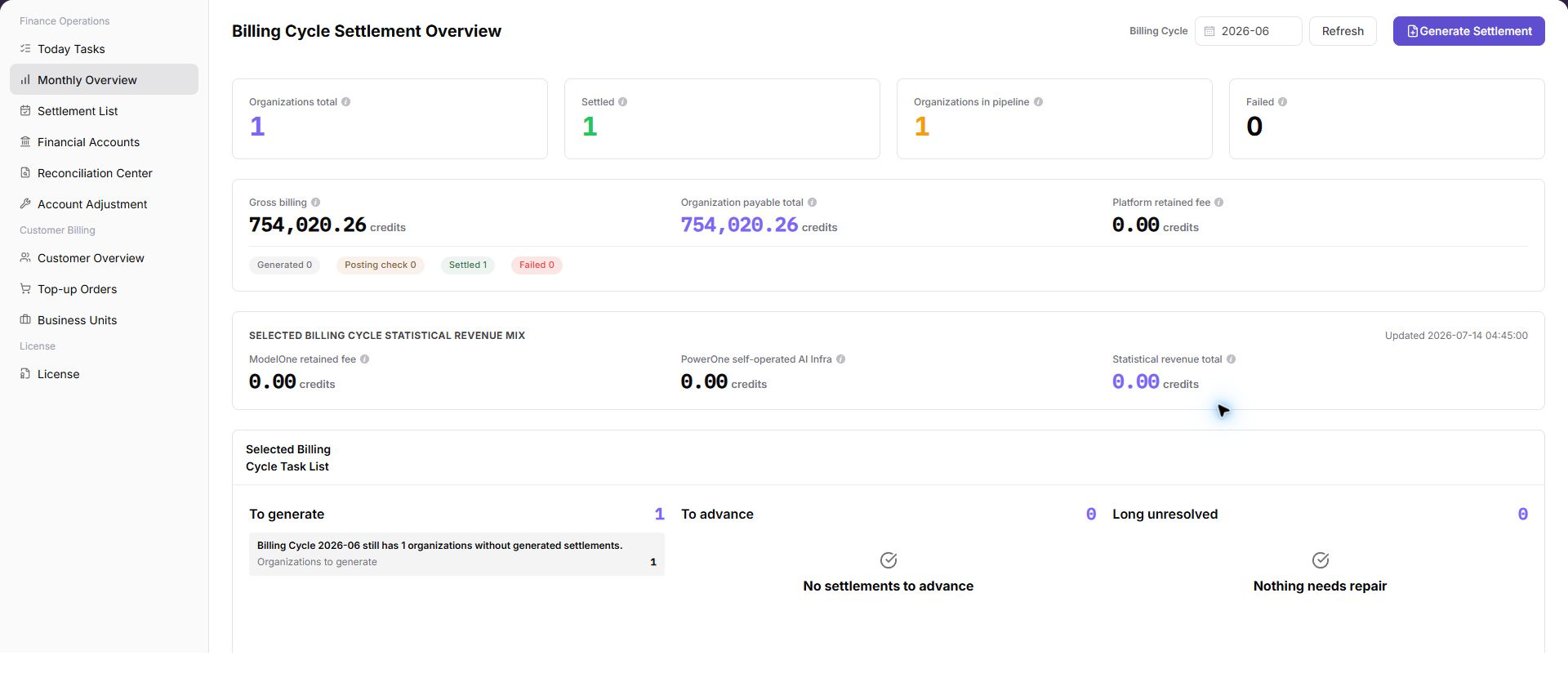
Open Monthly Overview, select the target billing cycle, and review revenue, expenses, net change, exception count, and update time. Then open Today's Tasks and resolve high-priority tasks that block settlement.
2. Reconcile Financial Accounts
Open Financial Accounts and compare the platform clearing account, revenue account, and transactions under the same billing cycle and tenant. If amounts differ, align the filters before considering an adjustment.
3. Resolve Reconciliation Exceptions
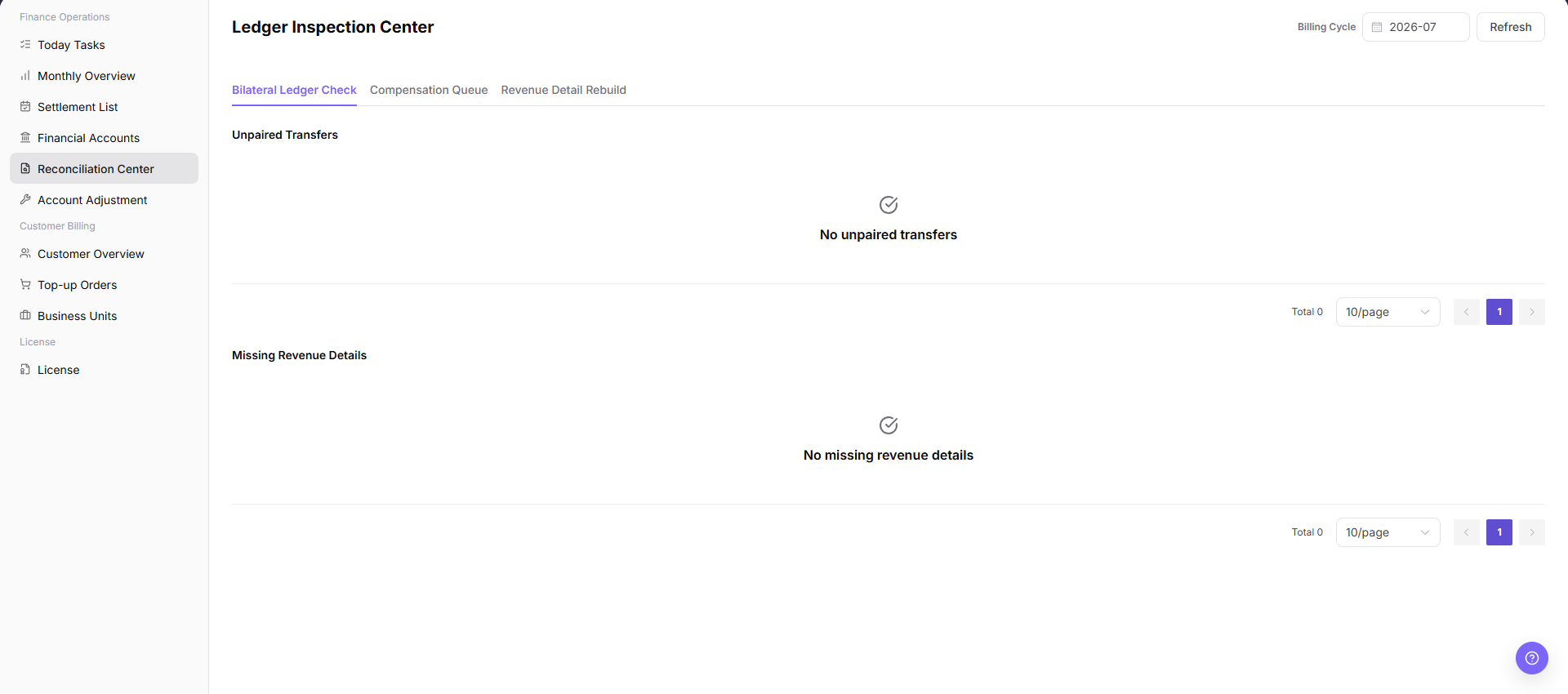
Open the Reconciliation Center, refresh the target cycle, and review unmatched transfers, missing revenue details, and the compensation queue. Run bilateral transaction checks or rebuild revenue details when required, and record the conclusion.
4. Review or Generate the Settlement Statement
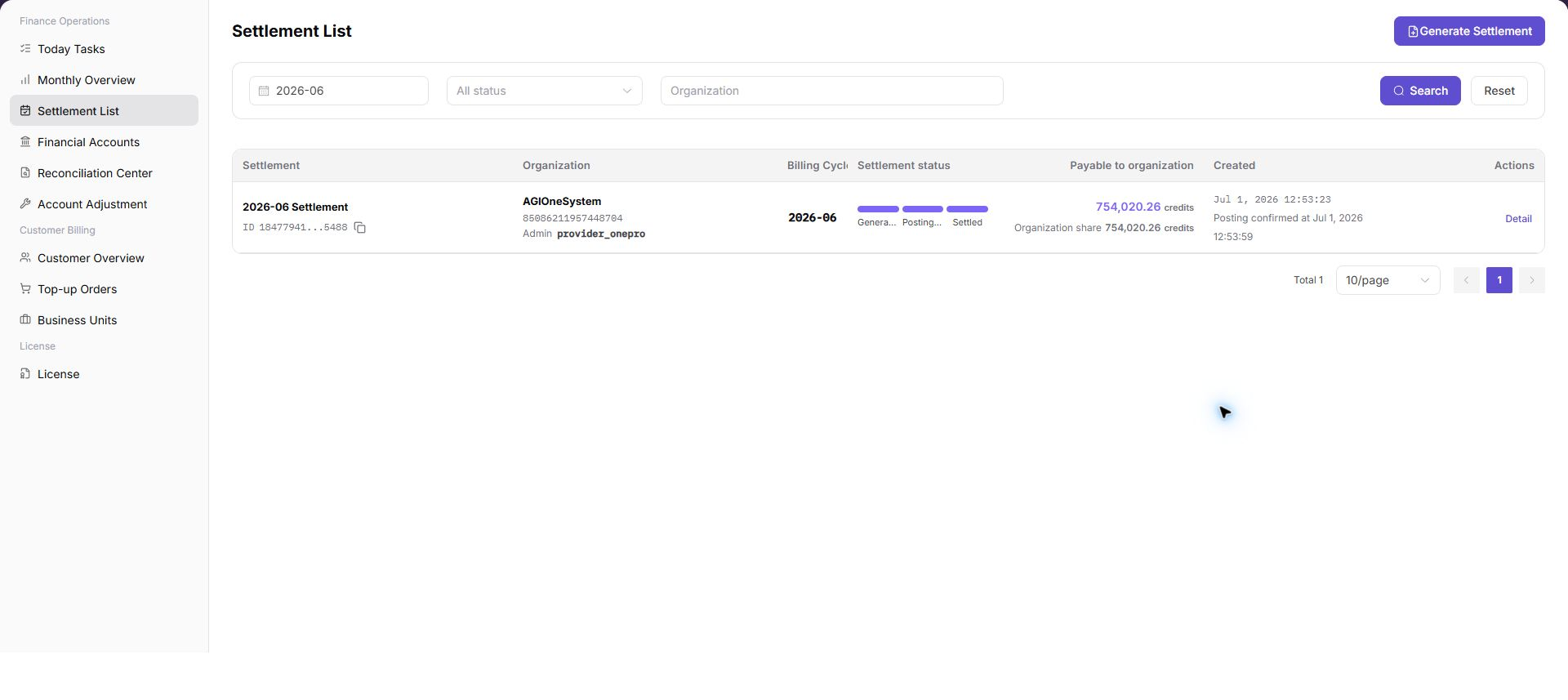
Open Settlement Statements and search by billing cycle, status, and tenant. Confirm that no blocking exception remains before generation. After generation, open the details and verify the settlement composition, status, and posting confirmation.
5. Adjust Accounts and Verify When Required
Use Account Adjustment only when the difference is understood and approval evidence is sufficient. After completion, return to Monthly Overview, Financial Accounts, the Reconciliation Center, and Settlement Statements to verify the result.
Completion Checklist
Purpose: These checks confirm that the current billing-cycle task produced a traceable settlement result. If any check fails, follow the troubleshooting table before continuing.
| Check | Pass Criteria |
|---|---|
| Scope | Every page uses the same billing cycle and tenant. |
| Account transactions | Summary amounts can be traced to financial accounts and transactions. |
| Reconciliation exceptions | Blocking exceptions are resolved and all remaining items have a conclusion. |
| Settlement result | Statement amount, status, and posting information are correct. |
| Adjustment verification | Differences before and after adjustment and approval evidence are traceable. |
Troubleshooting
| Symptom | Check First |
|---|---|
| Monthly totals do not match account amounts | Billing cycle, tenant, transaction type, and data update time |
| Reconciliation exceptions remain unresolved | Compensation queue, missing revenue details, and assigned owner |
| Settlement statement cannot be generated | Monthly status, blocking exceptions, permission, and generation criteria |
| Data still differs after adjustment | Adjustment direction, affected cycle, related document, and synchronization state |